A Master Guide to Digital Signage for Gyms & Wellness Centers


In the 2026 fitness landscape, a gym without digital signage is essentially a gym without a voice. We have officially entered the “Proof Era” of fitness marketing, where members no longer just want to work out—they want to see their data, feel part of a community, and be guided by real-time information. Whether you are managing a boutique yoga studio or a massive multi-chain wellness center, the transition from static posters to a dynamic digital network is a high-yield investment. Here is the definitive deep dive into the hardware, software, and strategy required for a world-class installation.
1. The Hardware: Why “Consumer TVs” are a Critical Mistake
Many facility managers try to save costs by purchasing standard home television sets. In a professional gym environment, this is a recipe for failure.
Commercial-Grade Screens vs. Consumer TVs
-
Durability (Run-Time): Gyms operate 18–24 hours a day. Consumer TVs are designed for 4–6 hours of daily use. Commercial screens (like the Samsung QMR Series or LG UH Series) are rated for 24/7 operation with specialized cooling systems.
-
Brightness (Nits): Gyms often have high-intensity overhead lighting or floor-to-ceiling windows. A standard TV (250 nits) will look washed out. You need a minimum of 500–700 nits to ensure visibility under heavy glare.
-
Landscape vs. Portrait: Only commercial screens are built with the internal cooling and structural integrity to be mounted vertically (Portrait mode), which is often the most impactful orientation for “Member Spotlight” or “Leaderboard” content.
2. The Engine: Choosing the Right Media Players
The player is the “brain” behind the screen. You have three primary paths:
-
System-on-Chip (SoC): Modern commercial screens often have the player built-in (e.g., Samsung Tizen or LG webOS). This reduces cabling and installation complexity.
-
External Players: For high-performance content (4K video or interactive touchscreens), an external player like an Intel NUC or a BrightSign device is superior.
-
Plug-and-Play Sticks: For simple setups, devices like the Amazon Fire Stick 4K (Enterprise) or specialized Android sticks are cost-effective but less stable for large networks.
3. The Software: Cloud-Based CMS Excellence
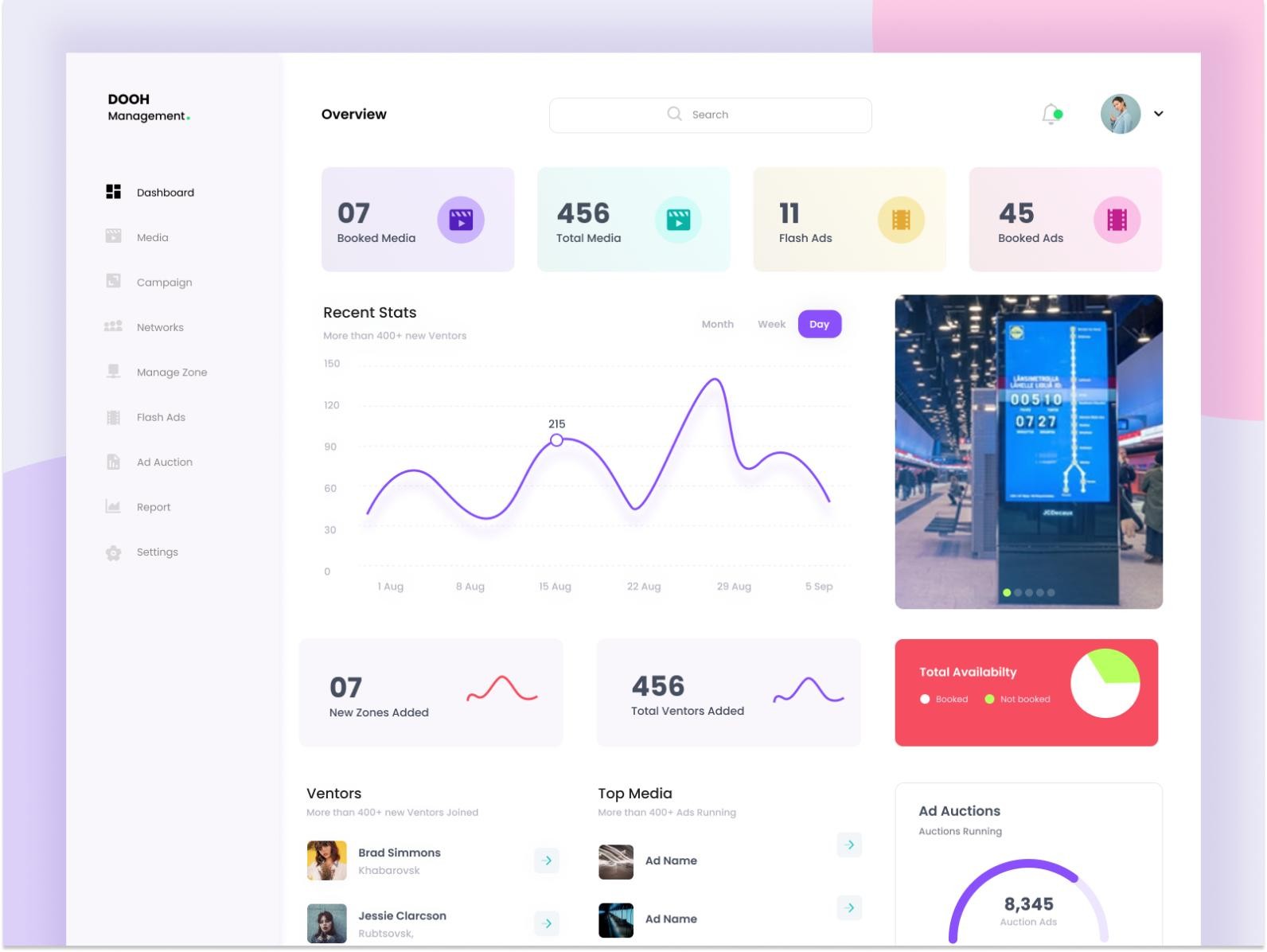
A Content Management System (CMS) is where you design, schedule, and push content. In 2026, a “local-only” CMS is obsolete. You need a cloud-based solution that allows you to manage 50 screens across 10 cities from a single laptop.
Top Software Recommendations:
-
For Enterprise Scale: Spectrio or Stratacache. These offer deep integrations with gym management software (like Mindbody) to pull live class data.
-
For Creative Flexibility: ScreenCloud or Raydiant. These are famous for their “App-first” approach, making it easy to sync Instagram feeds, weather, and Canva designs.
-
The Budget Specialist: PosterBooking or Yodeck. Excellent for smaller wellness centers that need reliable basic scheduling.
4. “Proof of Play”: The New Industry Standard
If you are selling ad space to local partners (e.g., a healthy meal prep service or a local physio), you need Proof of Play (PoP).
-
What is it? PoP is an automated log that proves exactly when a specific piece of content was shown, for how long, and on which screen.
-
Why it matters: It transforms your signage from a “cost center” into a “revenue generator.” With PoP reports, you can provide local advertisers with the same transparency they get from Facebook or Google Ads.
5. The Installation Strategy: Finding the “Sweet Spot”
Placement is more important than the screen size itself.
-
The Retention Zone (Cardio Floor): Members spend 20–40 minutes here. Use long-form content, infotainment, and high-energy brand storytelling.
-
The Urgency Zone (Studio Entrances): Small, 10-inch tablets or 22-inch screens showing “Next Class Starts in…” help manage traffic and reduce front-desk queries.
-
The Retail Zone (Juice Bar/Lobby): Use high-brightness screens here to drive high-margin sales. This is where you leverage the Endowment Effect—showing a high-def video of a post-workout smoothie while the member is at their thirstiest.
6. Technical Checklist for a Flawless Launch
-
Network Stability: Always use Hardwired Ethernet (Cat6) for your screens. Relying on gym Wi-Fi (which is shared with hundreds of streaming members) will lead to “Black Screen” syndrome.
-
Power over Ethernet (PoE): For smaller displays near locker rooms or yoga studios, use PoE to eliminate the need for an electrician to install a power outlet at every screen location.
-
Remote Management: Ensure your CMS allows for Remote Reboot. If a screen freezes, you shouldn’t have to drive to the facility to unplug it.