Digital signage software for smart tv

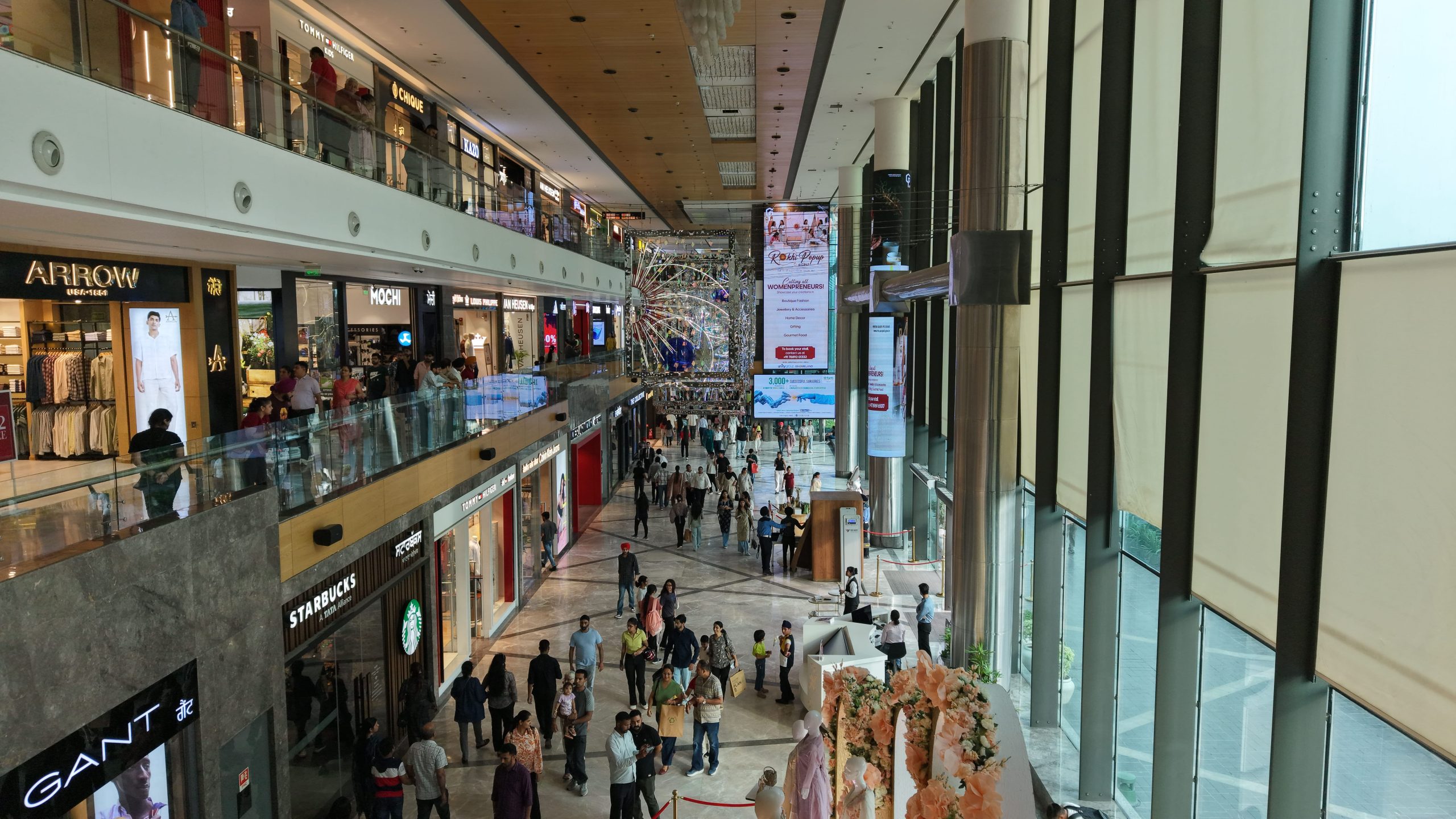
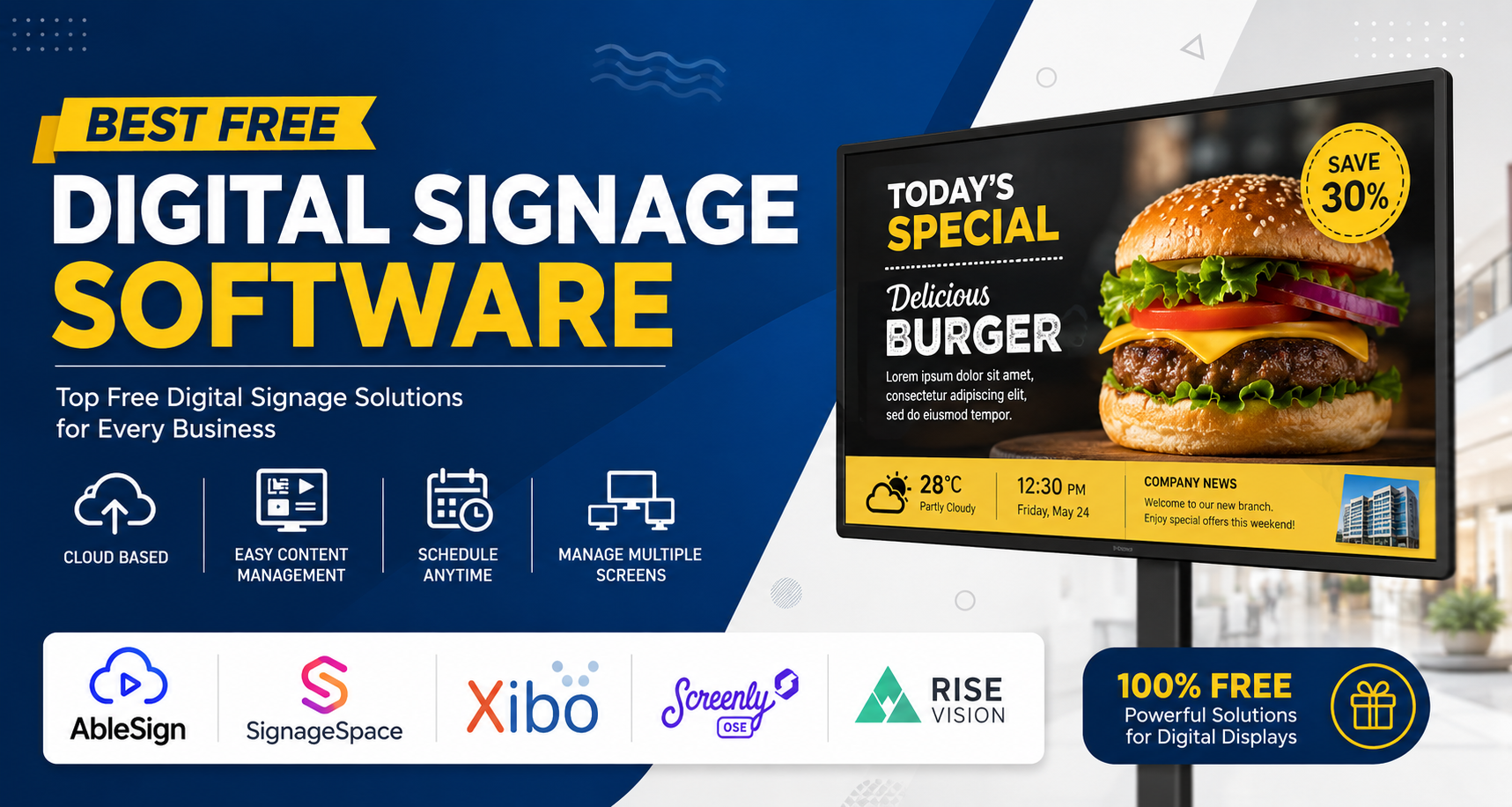
Digital signage software transforms smart TVs into dynamic display tools for businesses, retail spaces, restaurants, and offices. These cloud-based platforms enable easy content management, scheduling, and remote updates on compatible devices like Android, Tizen, or webOS smart TVs.
Why Smart TVs for Signage?
Smart TVs offer an affordable entry into digital signage without needing dedicated hardware. Models from Samsung, LG, Sony, and Android-based units run apps from these software providers, supporting 4K playback, playlists, and interactivity. Setup involves downloading an app from the TV’s store, linking to a cloud dashboard, and uploading media—often in minutes. This approach cuts costs while delivering professional results for menus, promotions, or announcements.
Top Software Options
Several platforms stand out for smart TV compatibility, ease of use, and features. Here’s a comparison:
| Software | Key Strengths | Smart TV Support | Pricing Model | Best For |
|---|---|---|---|---|
| ScreenCloud | Team collaboration, integrations (Google Workspace, Slack), no-design-needed templates | Android TV, Chromecast, web browsers | Free trial; starts ~$20/screen/mo | Enterprises, multi-location |
| Pickcel | 50+ device compatibility, real-time updates, 99.99% uptime | Android, LG webOS, Tizen, Fire TV, ChromeOS | Free trial; subscription-based | Retail, hospitality chains |
| Look DS | Intuitive dashboard, 14-day trial, scalable for networks | Android/Google TV, easy Play Store install | Affordable plans; free trial | Beginners, small businesses |
| AbleSign | Completely free, no per-screen fees, real-time refresh | Android devices, Fire TV Stick, BrightSign, browsers | Free forever | Budget users, campuses |
| JioSignage | India-focused, telecom integration (via Jio networks) | Android smart TVs, set-top boxes | Subscription; enterprise plans | Local Indian businesses |
| Navori | Advanced analytics, interactive apps, hardware agnostic | Tizen, Android, webOS via apps | Custom quotes; mid-to-high end | Corporate, high-security |
These options prioritize plug-and-play setup on existing TVs.
Setup Process
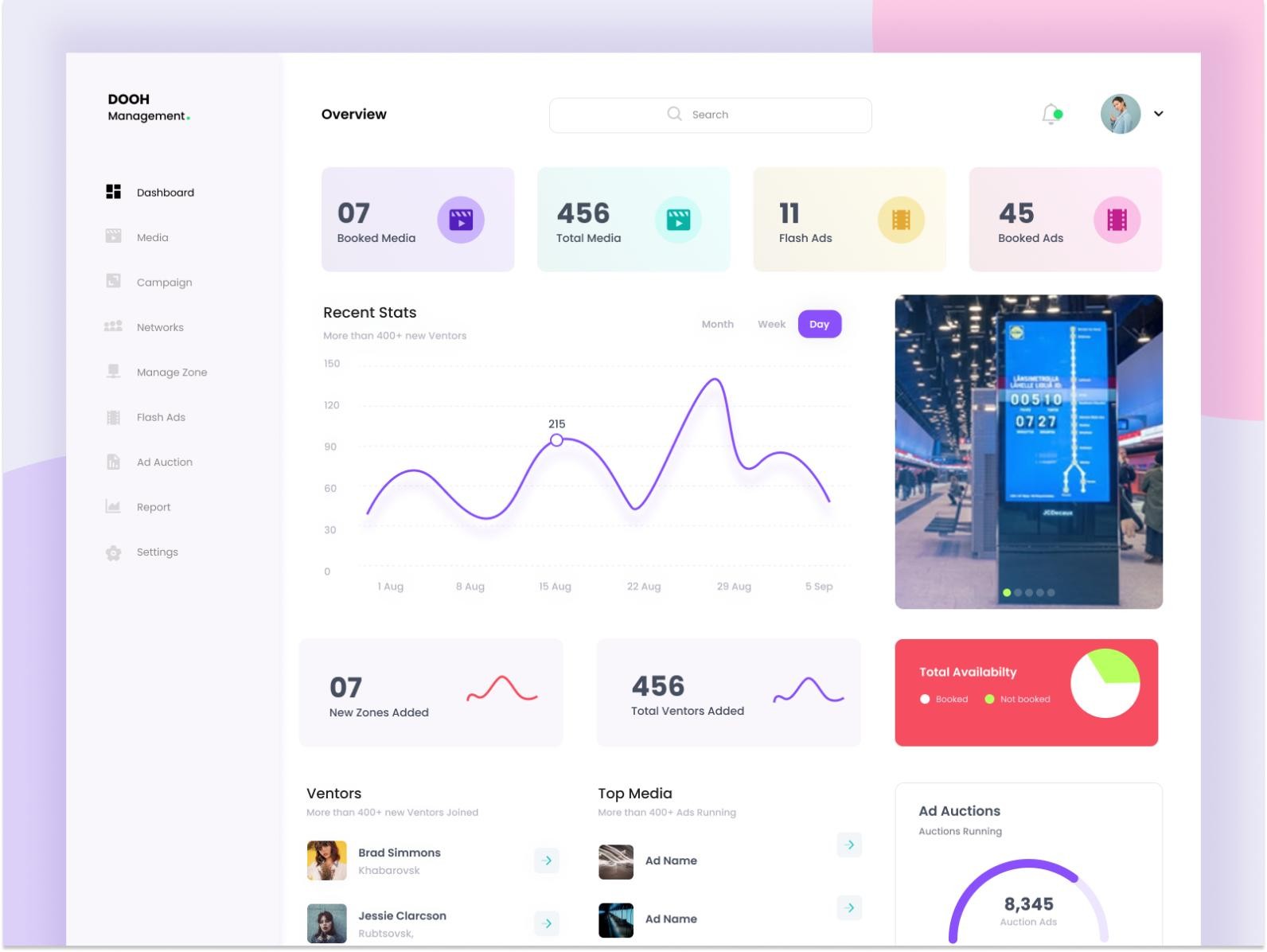
Getting started is straightforward across most platforms. Connect your smart TV to Wi-Fi, search for the provider’s app (e.g., “Look Digital Signage Player” on Google Play), install, and scan a QR code or enter a code from the web dashboard. Upload images, videos, or URLs; schedule playlists; and preview remotely. Features like failover (backup content if offline) ensure reliability. For teams, role-based access prevents unauthorized changes. Test during free trials to match your workflow.
Key Features to Consider
Look for remote management, multi-screen support, and integrations. ScreenCloud excels in enterprise collaboration with API access for dashboards. Pickcel shines in device versatility and automation for 10,000+ screens. AbleSign’s free model appeals for simple video/image loops with instant updates. Look DS offers scalability for global networks in retail or healthcare. Security matters—choose platforms with encrypted playback and user permissions. Analytics track viewer engagement, helping refine content.
Choosing the Right Fit
For small setups in Ludhiana shops or cafes, start with AbleSign or Look DS due to zero/low costs and simplicity. Scaling businesses benefit from Pickcel’s uptime or ScreenCloud’s tools. Indian users may prefer JioSignage for local support. Evaluate trials based on your TV model, content needs (static vs. dynamic), and team size. Future-proof with platforms supporting AI-driven personalization or IoT. Digital signage boosts engagement 2-5x over print, making the switch worthwhile.